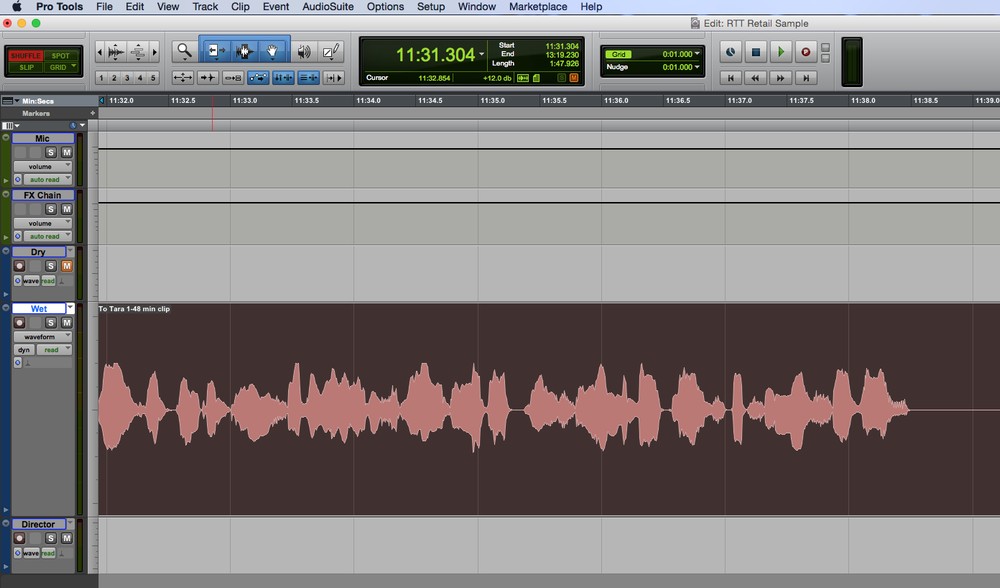
by James Romick
The term Punch & Roll stems from those nearly bygone days of multitrack music recording on those huge 16- and 24-track analog tape machines used to record Bruce Springsteen and the E Street Band in recording studios such as The Power Station, The Hit Factory and The Record Plant.
The term Punch & Roll is really a misnomer, though.
Technically, it should be called Roll & Punch, because that’s the order in which the process is performed.
The recording engineer would jog the tape reels back a bit to get a pre-roll, then roll the tape, and the performer would punch-in at a certain point, either as a new take (and continuing on with the recording) or to make a correction in the middle of some previously recorded material.
In either case, the previously recorded material was recorded over, erased from existence, never to be saved for posterity.
And that, my friends, is the simplest example of destructive editing – newly recorded material replacing and erasing previously recorded material.
So, why the name Punch & Roll?
Well, Roll & Punch just doesn’t readily trip off the tongue, in much the same way that Roll ‘n’ Rock collides as just wrong in the brain. Duh! It’s Rock ‘n’ Roll, dudes and dudettes! Hence: Punch & Roll.
DIGITAL AGE P&R
Fast-forward to the digital age.
Nearly anyone with a computer, a DAW (Digital Audio Workstation) installed on said computer, some relatively inexpensive professional recording equipment (microphone and preamp), and a sound deadened space (a padded, walk-in closet for instance), can have for themselves a home studio in which to record their auditions, podcasts or audiobooks.
Therefore, being a voice talent nowadays necessitates having some (more than basic) audio engineering skills, such as setting good input levels, possibly processing and mastering your files (using FX plugins like EQ and compression), and of course, using Punch & Roll to correct mistakes or mis-takes as the case may be.
Almost all DAWs now have P&R functionality. But the way they achieve it can widely vary.
Audacity and Adobe Audition, for instance, have only recently implemented their own versions of P&R. Audacity is still a destructive editing DAW (explained in the first paragraph), so whatever punch-ins are performed overwrite and erase previously recorded material. And that can be frustrating if the punch point isn’t hit dead on, often due to computer latency issues.